
Fire TV Stick
How to set up IPTV on the Fire TV Stick
1: Hover the cursor over the search option on your device’s home screen.
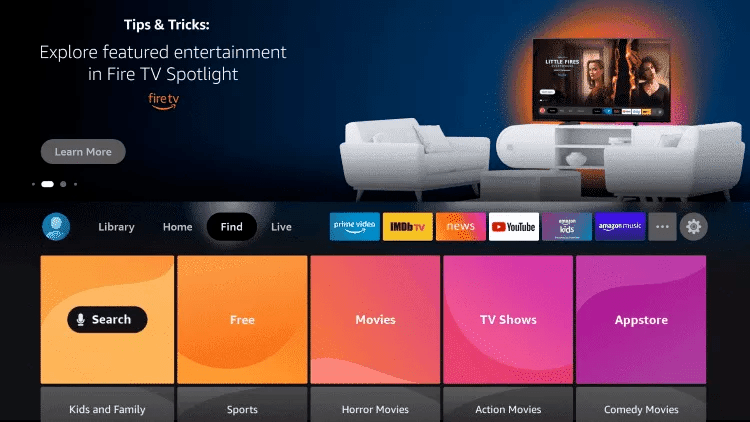
2. Click Search.
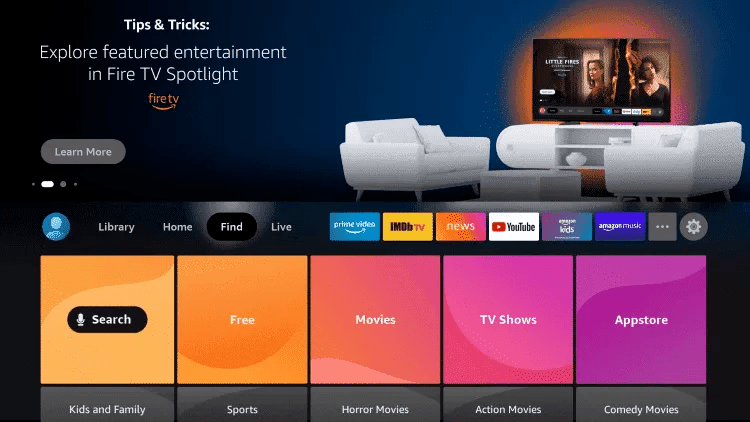
3. Find and select Downloader.
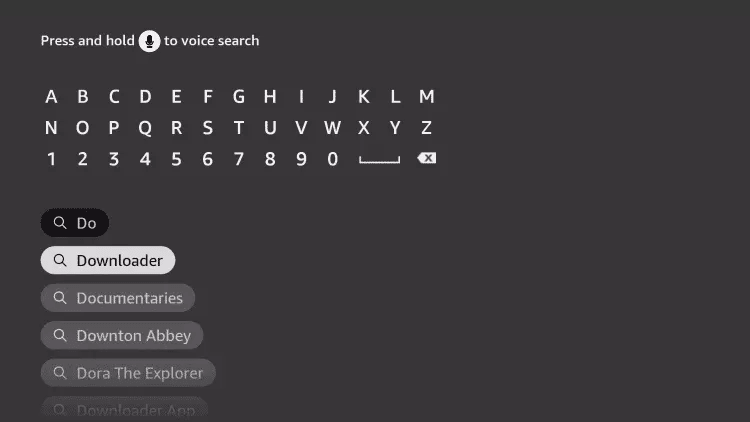
4. Select the Downloader app.
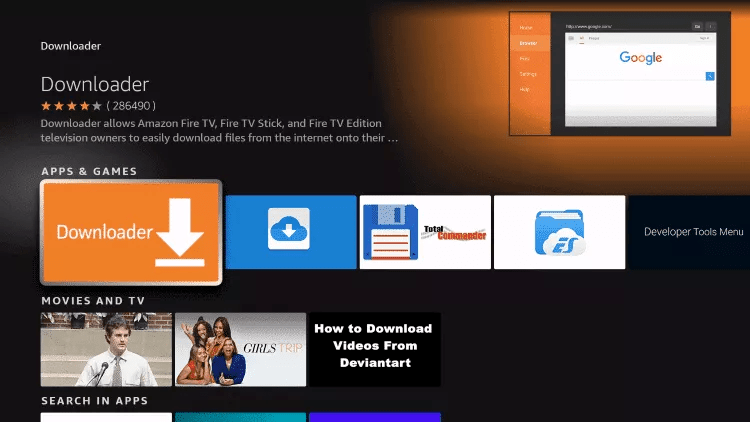
5. Click On Downloader
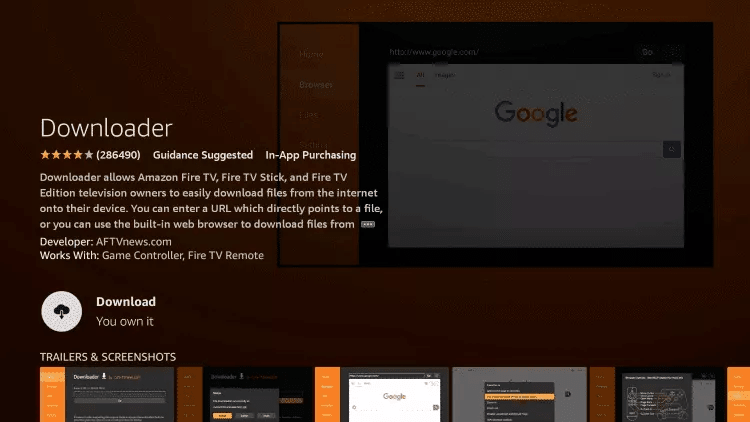
6. You can click the ‘Finish installation’ button. Click.
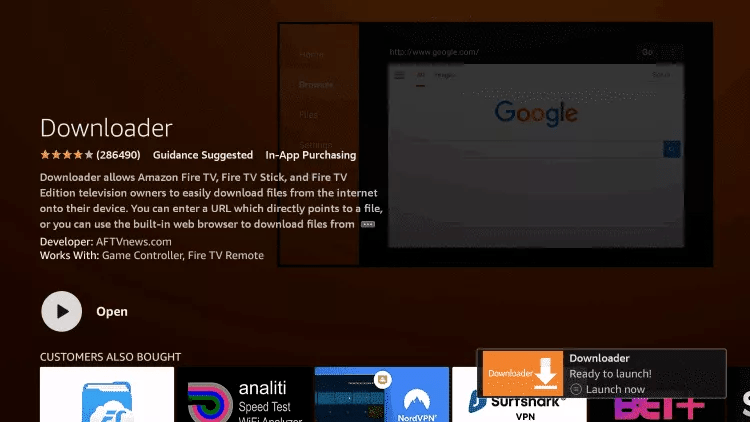
7. Return to the home screen and open ‘Settings’.
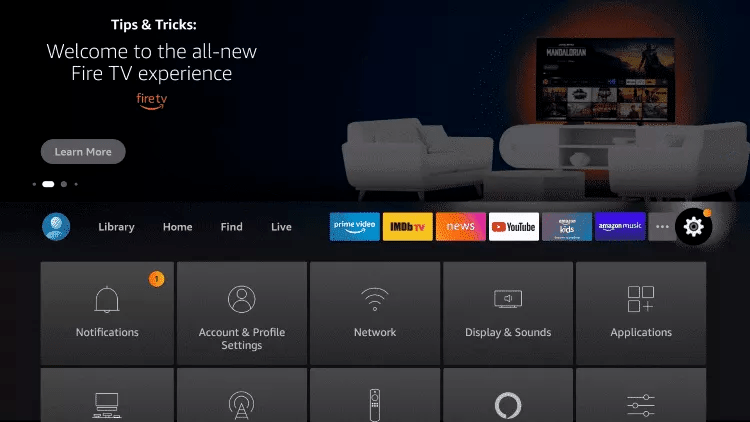
8. Click on My Fire TV.

9. Select ‘Developer options’.
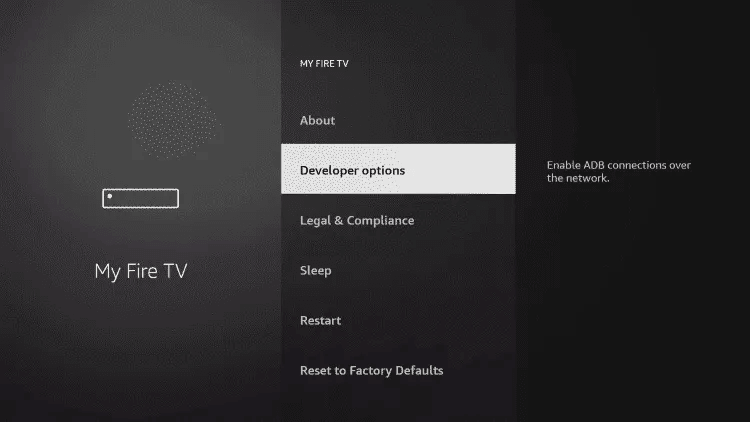
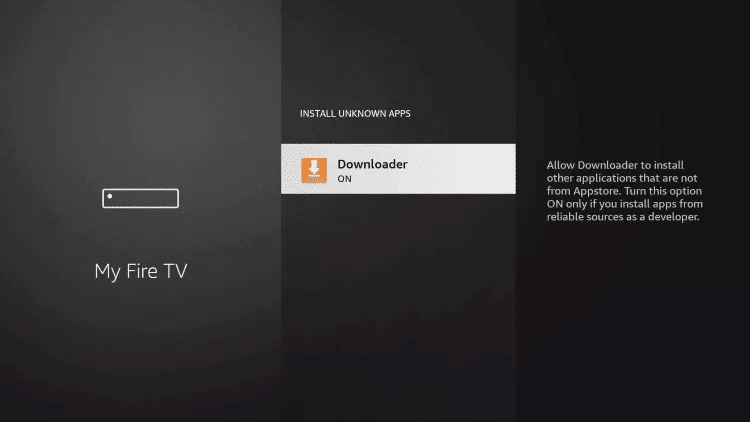
10. Click on “Install unknown apps”.

11. Find the Downloader app and click on it.

12. This will enable unknown sources for the ‘Downloader’ app. This will enable sideloading on your device.
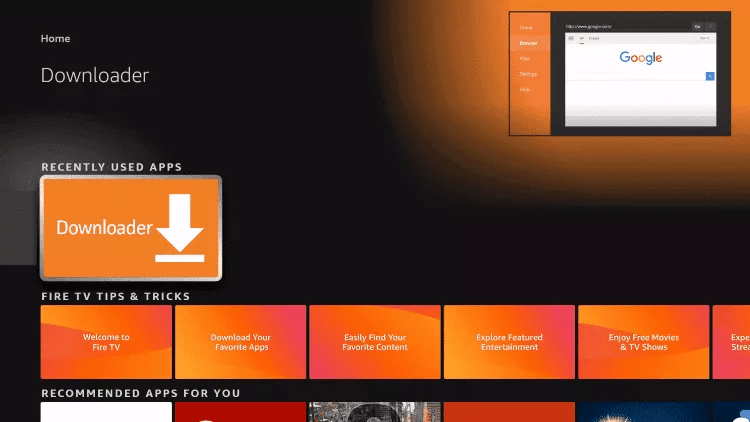
13. Launch ‘Downloader’.
14. Click ‘Allow’.

15. Click OK.

15. Click OK.
16. Enter the following URL exactly as it appears here: https://iptvsmarters.com
and click ‘Go’.

17. Wait until the file has finished downloading.

18. Click Install.
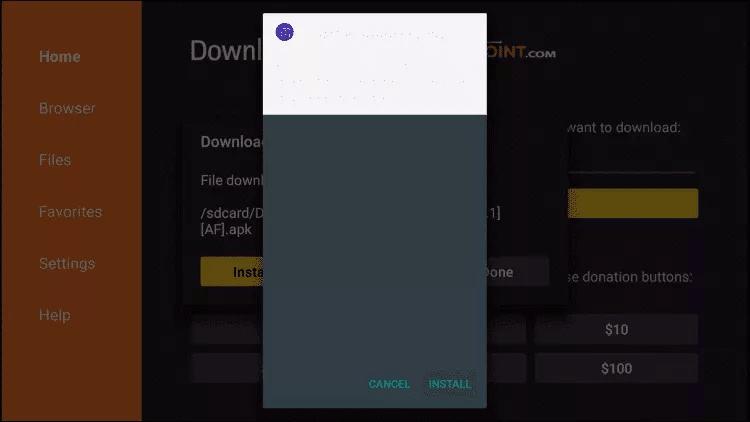
19. Click on “Done”.
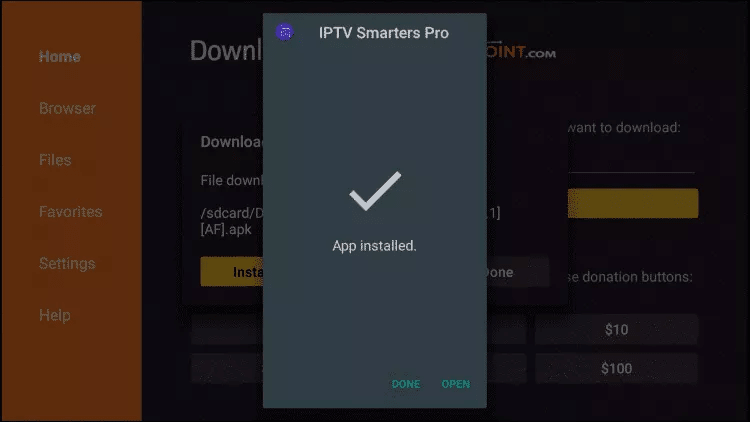
20. Open IPTV Smarters and then select ‘Log in with Xtream Codes API’.
21. Enter the login details we sent you via WhatsApp, email or chat
TO TIVIMATE
1. Enter the following URL exactly as it appears here: https://tivimates.com/tiviapk
and click “Go”.

2. Wait until the file has downloaded.
Please wait until the file has finished downloading
3. Click on ‘Install’. Once the installation is complete, you can open the app.
4. Click ‘Add Playlist’, then select ‘Xtream codes’
5. Enter the login details we sent you via WhatsApp, email or chat
Android
How to set up IPTV on Android using IPTV Smarters Player
Step 1: Start by downloading the IPTV Smarters app via this
URL: https://www.iptvsmarters.com/smarters.apk
Step 2: Once the app has downloaded, open it and enter your login details.

Step 3: Enter the login details we provided you with once your subscription was complete.
Now click on ‘ADD USER’ to proceed to the next section.
Step 4: Please wait a few seconds.
Step 5: Now click on the “Live TV” icon, which is indicated by a red arrow in the image.
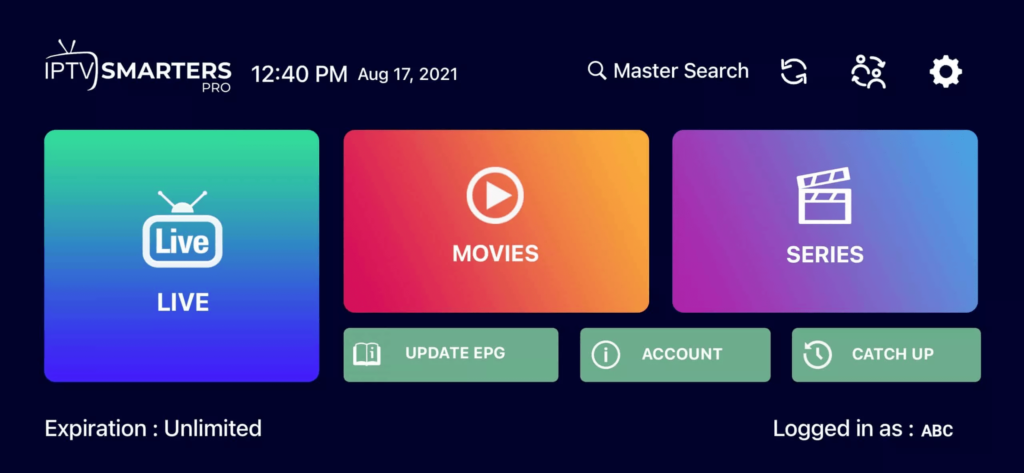
Step 6: Now you need to select the channel group you want to watch and proceed to the next section.
Step 7: Now you need to click on the channel name and then, in the final step, double-click on the small screen to view it in full-screen mode.
Ready
Apple / IOS
How to set up IPTV on Apple/iOS using the IPTV Smarters Player
Step 1: First, download the IPTV Smarters app from the Apple Store using this URL:
https://apps.apple.com/in/app/smarters-player-lite/id1628995509
or you can search for it in the App Store
Install the app on your iOS device.
Step 2: Once downloaded, open the app and enter your login details.
Step 3: Enter the login credentials we provided you with after you completed your subscription with us.
Now click “ADD USER” to proceed to the next section.
Step 4: Please wait a few seconds.
Step 5: Now click on the “Live TV” icon, which is indicated by a red arrow in the image.
Step 6: Now you need to select the channel group you want to watch and proceed to the next section.
Step 7: Now you need to click on the channel name and then, in the final step, double-click on the small screen to view it in full-screen mode.
Step 8: To add EPG, you don’t need to enter an EPG URL; just click “Install EPG.” Done.
Far, far away, beyond the mountains of words, far from the lands of vowels and consonants, live the placeholders. They live apart in Bookmarksgrove, right on the coast.
Smart TV
You can download 4k Player/iboplayer/Smart IPTV/setiptv from the Samsung or LG TV Store …
Step 2: After installation, open the app and you will see the MAC address on the screen.
EXAMPLE:

Step 3: Send us the MAC address via WhatsApp, email, or live chat
Step 4: Restart your TV after a few minutes and open the app
All set